CSV vs API: Which Data Export Method Works Best?
Explore the pros and cons of CSV exports and API connections for data management, helping you choose the best method for your needs.
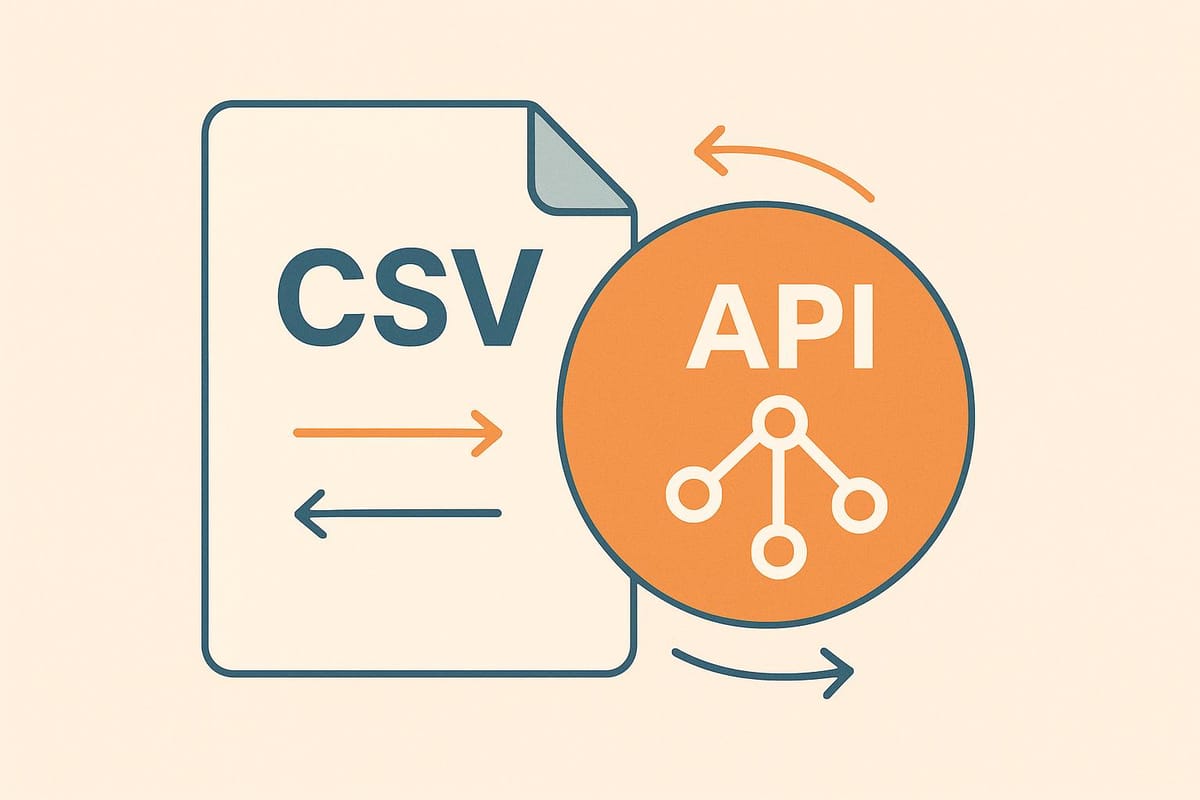
When deciding how to export enriched contact data, your choice boils down to CSV exports or API connections. Here’s the quick takeaway:
- CSV Exports: Simple to use, ideal for one-time tasks or static data needs. Works well for manual processes or smaller teams without technical expertise.
- API Connections: Best for real-time, automated data updates. Perfect for large-scale operations, frequent updates, and secure data transfers but requires technical setup.
Quick Comparison
| Factor | CSV Export | API Export |
|---|---|---|
| Ease of Use | Easy to download and use in Excel | Requires technical setup |
| Automation | Manual or basic scheduling | Real-time, automated updates |
| Data Updates | Static snapshot | Live, continuous flow |
| Security | Lower, files can be shared | High, encrypted and authenticated |
| Scalability | Handles bulk data well | Great for frequent, smaller batches |
| Cost | Low upfront, manual labor costs | Higher setup, lower long-term cost |
Key Insight: Use CSV for simplicity and one-off tasks. Choose API for automation, real-time updates, and better security. Your decision should align with your team’s technical skills, data needs, and budget.
Using Python to Fetch API Data into CSV
CSV and API Export Basics
CSV and API exports are two distinct methods for transferring enriched contact data into your systems, each with its own strengths and use cases.
CSV Export Explained
CSV, short for Comma-Separated Values, is a straightforward text format that organizes data into rows and columns, with commas separating each value. It’s essentially raw data presented in a structured grid.
A CSV file can be effortlessly opened in tools like Microsoft Excel or Google Sheets, making it a popular choice for bulk data transfers. This format is especially useful for handling large volumes of static information that don’t require frequent updates. For instance, if you’re running a quarterly campaign and need to export 10,000 contacts, a CSV file is a practical solution.
However, CSVs reflect a snapshot of data at a specific point in time. Any updates require a re-export, and the process is often manual unless automated with scripts. For more dynamic needs, APIs offer an alternative that eliminates these limitations.
API Export Explained
An API, or Application Programming Interface, creates a direct, real-time connection between your CRM and an enrichment platform. Instead of downloading a file, APIs allow the two systems to communicate directly.
APIs enable developers to request specific data or services in a standardized way. For example, if your sales team’s CRM needs updated contact details, an API can fetch exactly what’s needed - whether it’s on a schedule or triggered by an event. This eliminates the need to download and sift through unnecessary data.
Using REST protocols, APIs deliver data in structured formats like JSON or XML. They also offer robust security through methods like OAuth, API keys, or token-based authentication. This precision means you can request exactly what you need - say, contacts from companies with over 100 employees in the tech sector - saving time and reducing data transfer overhead.
That said, APIs require more technical know-how to configure and maintain. They also depend on the availability of the external system, making them slightly more complex compared to the simplicity of CSVs.
"If you need real-time, secure, and automated data transfers and have the technical capability, go with an API. If your data transfer is a one-time or infrequent event with relatively static and simple data, CSV files might be the more straightforward choice." - Steve Xing
In short, APIs are ideal for real-time, automated updates if you have the technical expertise, while CSVs are better suited for simpler, one-off data exports.
CSV vs API: Direct Comparison
Now that we've gone over the basics of both export methods, let’s dive deeper into how they compare when it comes to contact data enrichment. This breakdown highlights the strengths and weaknesses of each approach, helping you decide which one aligns best with your data needs.
Feature Comparison Table
| Factor | CSV Export | API Export |
|---|---|---|
| Ease of Use | Simple download and open in Excel/Sheets | Requires technical setup and maintenance |
| Security | Limited - files can be shared/stored insecurely | High - encrypted transfers, authentication tokens |
| Automation | Manual process or basic scheduling | Real-time, event-triggered updates |
| Data Freshness | Static snapshot at export time | Live, up-to-date information |
| Integration Complexity | Low - works with any spreadsheet tool | High - needs developer resources |
| Scalability | Good for bulk exports up to 100K+ records | Excellent for continuous, smaller batches |
| Cost Efficiency | Lower upfront costs | Higher initial setup, lower long-term costs |
| Error Handling | Manual review and correction needed | Automated retry and error management |
Advantages of Each Method
CSV exports provide quick access to data using standard tools like Excel or Google Sheets. This makes them a great choice for teams that need to share data across departments without relying on technical expertise. CSV files are portable, meaning you can save them locally, email them, or upload them to various platforms that accept file imports. This flexibility ensures you’re not locked into any specific system.
APIs, on the other hand, enable real-time data synchronization between your enrichment platform and CRM. This keeps your sales team working with the most current contact information, as new leads are enriched the moment they enter your system. APIs also offer a significant security advantage by using encrypted transfers and authentication tokens, reducing the risks associated with unsecured file sharing. Plus, APIs provide detailed logs and audit trails, which can be critical for meeting data protection regulations.
Both methods have clear benefits, but they also come with trade-offs that are important to weigh.
Drawbacks of Each Method
CSV exports have limitations around security and efficiency. Once downloaded, a CSV file becomes static, meaning the data can quickly become outdated. Keeping the data fresh requires manual updates, which not only takes time but also increases the risk of human error. For teams handling large volumes of data, this manual process can become overwhelming.
APIs require technical expertise and ongoing maintenance. Setting up an API connection usually involves developer resources, and any changes to the API structure or external system downtime can disrupt your data flow until the issue is resolved. This reliance on technical infrastructure can pose challenges, especially for smaller teams without dedicated IT support.
Another consideration is that APIs create dependencies between systems. Your data enrichment process becomes reliant on both your internal systems and the external API provider’s performance. For some organizations, this added complexity may outweigh the benefits.
Ultimately, the decision between CSV and API often comes down to choosing between simplicity and automation. CSVs are ideal for teams that need an easy, straightforward solution, while APIs are better suited for organizations that require real-time data updates and can manage the technical complexities involved.
When to Choose CSV vs API
Deciding between CSV and API depends on your goals: use CSV for quick, one-off tasks or sharing data, and opt for API when you need continuous, automated updates.
CSV Export Use Cases
CSV exports are perfect for quick, ad hoc tasks. Imagine you're preparing for a quarterly sales review and need enriched contact data for your presentation. A CSV file gives you fast access without needing a developer. Marketing teams also lean on CSVs when segmenting leads for email campaigns or creating custom reports by combining data from various sources.
Non-technical teams thrive with CSV exports. If your team includes sales reps or marketers who are comfortable with Excel but unfamiliar with API integrations, CSV files eliminate technical hurdles. Just download the file, open it in Sheets or Excel, and start analyzing within minutes.
One-time analyses, data backups, and legacy system migrations are ideal scenarios for CSV. Many organizations keep offline copies of contact data for compliance or disaster recovery. CSV is also a go-to for migrating data to older systems that can't handle modern API connections.
However, if you need real-time updates or automation, API integration is the better choice.
API Export Use Cases
Unlike CSV files, which provide static snapshots, API exports deliver a continuous flow of data. APIs are crucial when your team needs real-time accuracy. Outdated contact details can hurt conversion rates, but API integration ensures your CRM stays updated automatically when prospects change jobs or get promoted.
High-volume lead generation operations rely on APIs for efficiency. If you're processing thousands of leads each week, manual CSV downloads just won't cut it. APIs enable automated lead enrichment and scoring, triggering workflows based on key details like company size or industry.
Organizations with strict security requirements should prioritize APIs. Industries like finance, healthcare, and government often have rules against storing sensitive data in downloadable files. APIs keep data within secure, encrypted channels and provide detailed audit logs for compliance purposes.
APIs enable seamless automation across systems. For example, when a lead is enriched and identified as working at a Fortune 500 company, an API can automatically assign them to your enterprise sales team and create a high-priority task in your CRM. This level of automation is impossible with static CSV files.
API connectivity shines in multi-system setups. If your enriched data needs to flow into your CRM, marketing automation tools, and customer success platforms all at once, APIs eliminate the need to manually upload CSVs to each system. This not only saves time but also ensures data consistency across platforms.
Platform Comparison: Enrichfox vs Competitors
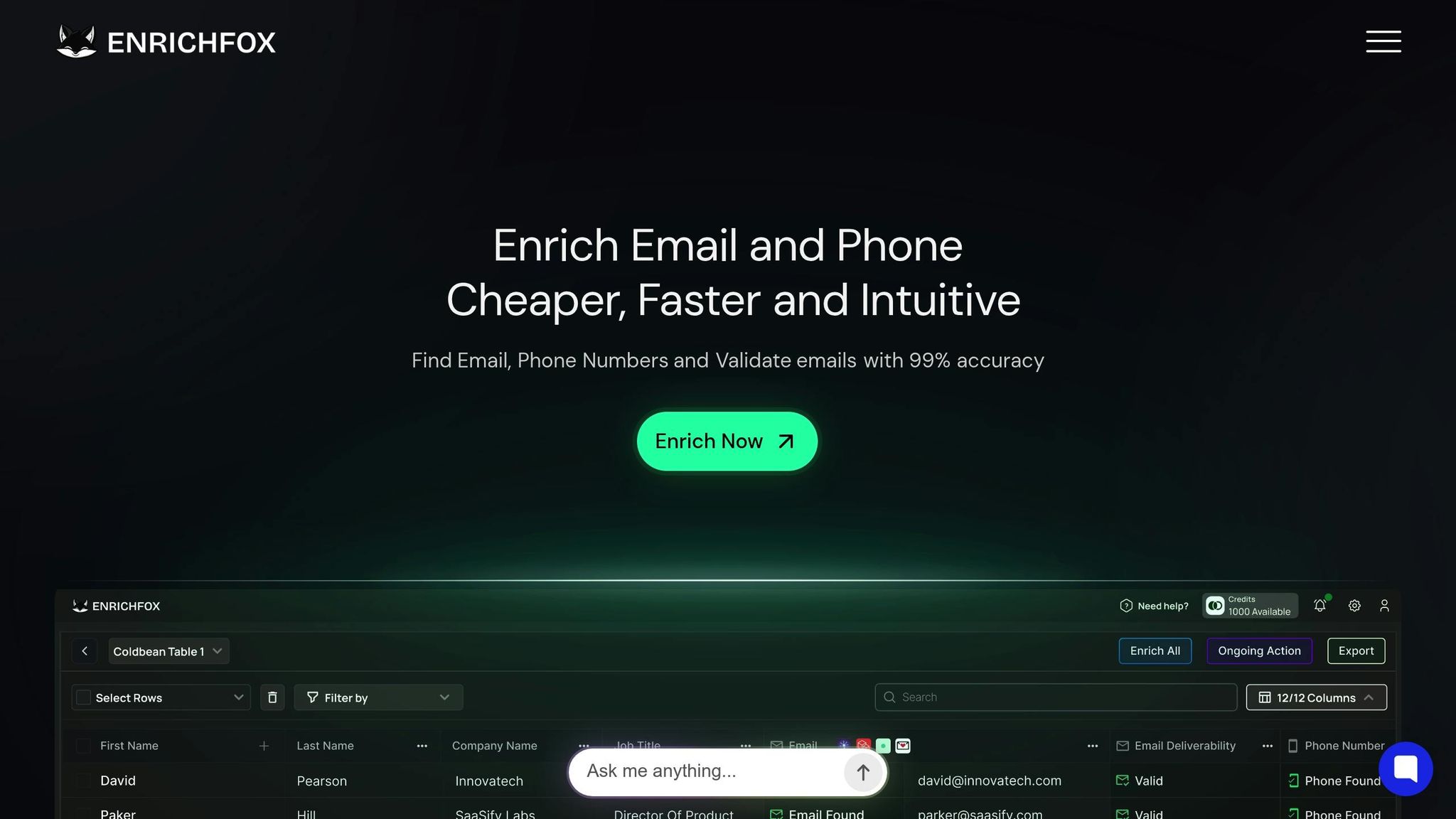
When it comes to choosing a data enrichment platform, understanding the capabilities of each option is key. Whether you're focused on CSV or API functionality, the features offered by different providers can significantly impact your workflow efficiency and the quality of your data.
Enrichfox Export Features
Enrichfox stands out with its pay-per-result pricing model, ensuring you’re only charged for successful enrichments. Here’s how the costs break down:
- $0.05 for each valid email found
- $0.00025 for every verified email
- $0.03 for each valid phone number
With a 99% accuracy rate for email validation, Enrichfox provides reliable, actionable data that you can trust. The platform supports bulk enrichment through CSV exports, which are ready for immediate use, or you can integrate its API into your existing systems for seamless data management.
For real-time updates, webhook integrations sync directly with your CRM or marketing tools. Additionally, features like domain management and real-time validation enhance security and help meet compliance standards. Next, let’s see how Enrichfox measures up against its competitors.
Competitor Feature Comparison
Competitors such as Apollo, ZoomInfo, Clay, LeadMagic, Wiza, FullEnrich, BetterContact, Prospeo, and IcyPeas often adopt subscription or credit-based pricing models. With these models, you may end up paying even when the enrichment isn’t successful - a stark contrast to Enrichfox’s pay-per-result approach, which can save costs, especially when handling large datasets.
Many competitors also impose limitations on bulk processing or API usage. Ultimately, the right choice depends on your specific needs, including your budget, the level of integration required, and the volume of leads you’re managing. Carefully matching these factors with provider offerings will help you find the best fit for your business.
Conclusion: Selecting Your Export Method
When deciding between CSV exports and APIs, think about your specific needs and how you handle data. CSV exports are perfect for straightforward, one-time data transfers. They work well for tasks like manual analysis, quick data sharing, or managing smaller datasets that don’t demand real-time updates.
On the other hand, API exports shine when you need automated, real-time data integration. If your workflow involves managing a large number of leads or syncing with tools like a CRM or marketing automation platform, APIs provide the speed and adaptability to keep everything running seamlessly.
It’s also important to evaluate your technical resources and budget. While CSV exports are simple and require little technical know-how, APIs demand more - development expertise and ongoing upkeep. That said, the upfront effort and cost of setting up an API often pay off by streamlining your processes over time. Since pricing varies by provider, weigh your data needs against your budget to find the most economical choice.
Lastly, consider how often and how much data you’re exporting. If you’re working with smaller, periodic datasets - say, a few hundred contacts - CSV exports offer a practical and affordable option. But for frequent, large-scale data transfers involving thousands of records daily, APIs are essential to keep your operations efficient and up-to-date.
FAQs
How do I choose between using CSV exports or API integrations for my data workflows?
When choosing between CSV exports and API integrations, it’s all about understanding your needs and available resources. APIs shine when you require real-time, automated, and secure data transfers. They’re a go-to solution for ongoing workflows or seamless integration with other systems. Meanwhile, CSV files keep things straightforward, making them a better fit for one-off or occasional exports, especially if you’re working with smaller datasets or lack advanced technical know-how.
Here are a few critical points to weigh:
- Data frequency: Do you need constant, real-time updates, or are periodic exports enough?
- Complexity and volume: Are you managing massive or complicated datasets?
- Technical expertise: Does your team have the skills and resources to handle API integration?
By carefully assessing these factors, you can pick the approach that aligns with your goals while ensuring your data is handled securely and efficiently.
What are the key security and compliance differences between exporting data via CSV files and API integrations?
When it comes to ensuring security and meeting compliance standards, APIs often stand out as a stronger option compared to CSV files. CSV files, being plain text, are inherently more exposed to risks like unauthorized access if intercepted or stored carelessly. On the other hand, APIs leverage encryption during data transfer, significantly reducing the chances of data breaches.
Another advantage of APIs is their ability to offer granular access controls, enabling precise management over who can access specific pieces of data. Many APIs also come equipped with audit trail capabilities, which allow businesses to monitor and track data usage effectively. These features make APIs a safer and more dependable solution for organizations dealing with sensitive or regulated information.
What technical challenges and resources are needed to set up and manage an API for exporting data?
Setting up and managing an API for data export comes with its own set of hurdles and resource demands. For starters, you’ll likely need to create custom scripts, manage potentially lengthy export processing times, and work within the rate limits imposed by the API provider.
On top of that, maintaining an API isn’t a one-and-done task. It often requires continuous monitoring, troubleshooting, and regular updates to keep everything running smoothly, especially when systems or requirements change. While APIs can provide automation and flexibility, they might also demand a dedicated technical team - something that can be a challenge for businesses without in-house developer expertise.